
Securebook 6.1

Our durable, secure laptops for correctional settings. Purchase from $549/ea or rent at $35/mo.
JTS Tools

Simple tools exclusively for jails and prisons to manage online access, users, and devices
TAA Solutions

TAA devices for incarcerated students or Federal BOP staff and hiring events. Run your program in a BOP facility.
Securebook 6.1 - from $549

Clear shell, no metal rods under keys, no USB and configurable WiFi, Storage, RAM, Camera and OS


Simple tools exclusively for jails and prisons to manage online access, users, and devices
Works on any managed (enterprise-enrolled) device via a force-installed browser extension. Hosting can be done on DOC-owned equipment or by JTS directly.
1
Password Manager — A Simplified SSO Alternative
DOC staff store all usernames and passwords in a private database. Student devices automatically lock themselves when they see a login page and check that database to see if the student has been assigned a username and password. If yes, the device automatically logs in the student. If no, the device prevents the student from attempting to login.
+$1,000 per commercial site setup
2
Two-Factor Authentication via Email (2FA)
With our 2FA email workaround, students are given an email address where they can receive emails from approved senders (such as FAFSA), but cannot send emails. This allows them to receive emails or 2FA codes for site logins, without allowing them to send or receive unapproved emails.
+$1/month per user
3
Security Monitoring
User device keystrokes and screenshots are stored in a database. Activity screenshots occur every 1 minute whether the device is online or offline and are stored in a private database.
+$3/month per user
4
AI Content Review and Optional Student Tutor
An AI model installed on your private server evaluates all student keystrokes, screenshots, messages, and file creation. The AI model can also provide student guidance on educational topics if desired. Model is trained to avoid sensitive topics around facilities, people, and medical needs. Focus on resume building or paper reviews, etc.
+$2/month per user
5
Device Provisioning & Inventory Tracking
A custom website where staff can assign new devices within one minute. Device status updates — including which facility they are in and last activity state — are provided in real time.
6
User Rostering & Combined Progress Dashboard
When DOC staff create a user, that user is automatically enrolled in all desired online resources with a custom username and password. Student progress across all sites is offered to facility staff in a unified dashboard.
+$10,000 per commercial site setup / +$2,500 change fee
7
Offline DOCX / XLSX / PPTX Compatibility
A custom document creation suite for all Chromebook devices that allows users to create and edit DOCX, XLSX, and PPTX files. No individual Google user licenses required or additional fees.
8
JTS LMS with Messaging
A corrections-first LMS with SCORM import, live broadcasting offline by professors, and a monitored messaging hierarchy available for staff and teachers to message students when approved.
9
Centralized Allowlisting
Apply allowlists on a per-student, per-class, or facility-wide level to give different students access to different resources on your allow list.

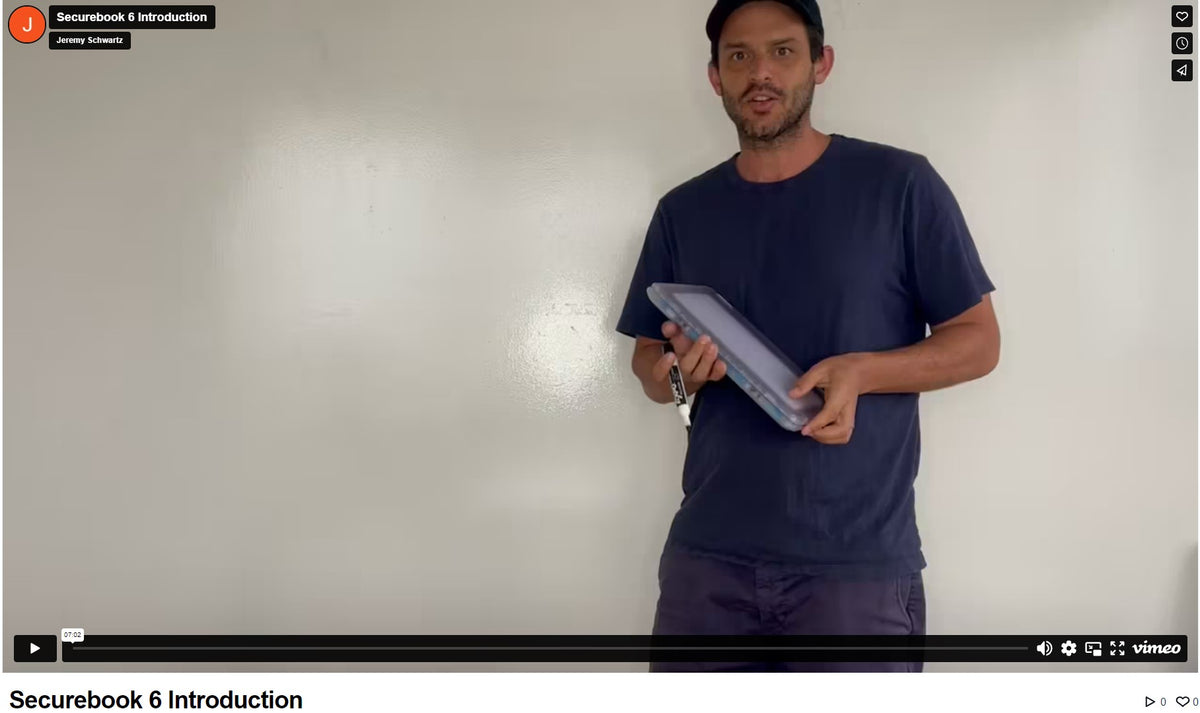
Video overview
Securebook 5.0 and 6 are trusted in over 100 correctional facilities nationwide, including the Federal Bureau of Prisons. We offer secure computing hardware without contracts, proprietary systems, or privatized education solutions. Our hardware provides the physical security you need to deliver digital education with your chosen operating system.
Need help designing your program? We'll connect you with experts like the Vera Institute, World Possible Justice, as well as nonprofits, schools, and government agencies successfully using this technology.